Remove a report
Removing a report deletes it from Dataden, so it no longer refreshes. The cells it wrote stay in your sheet.
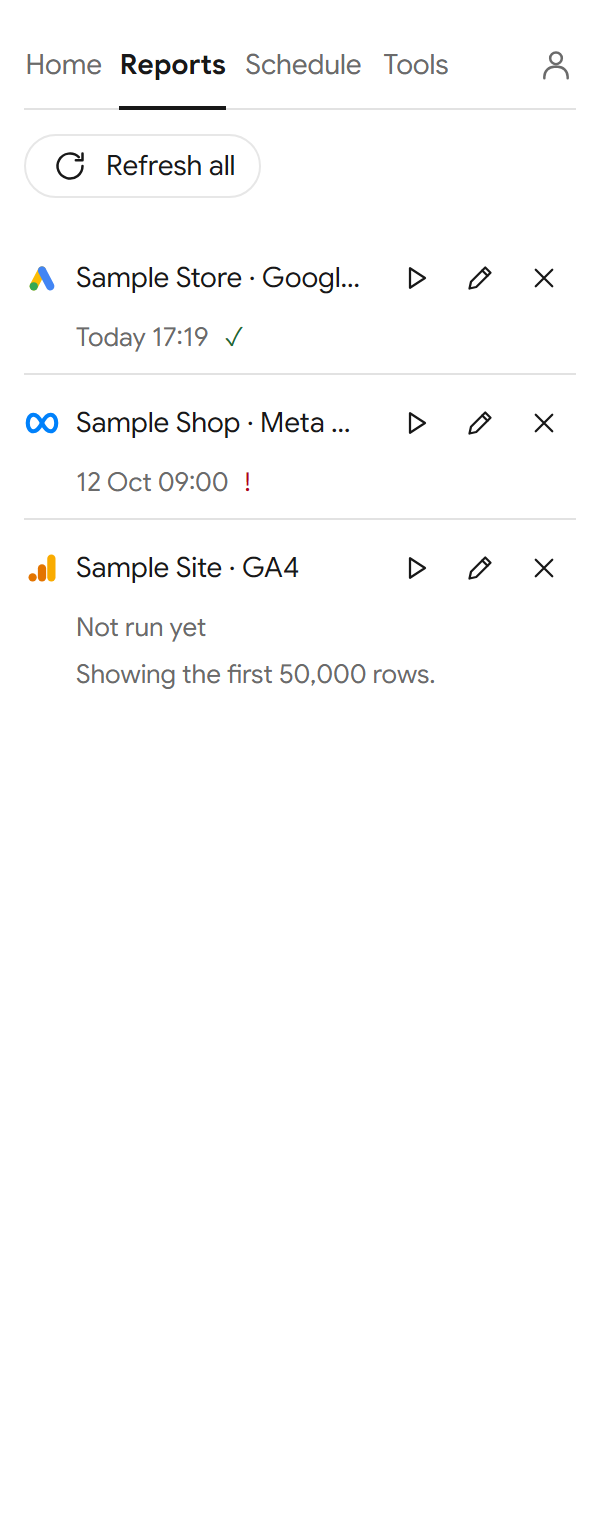
Remove a saved report
- Go to the Reports tab.
- Select Remove (the × button) on the report.
- The add-on asks "Remove this report? The cells stay." Select Remove.
Clear its cells too
The add-on leaves the figures where they are. To clear them, select the cells in your sheet and delete them, as you would any cells.
Stop the schedule but keep the report
Go to the Schedule tab, untick Run on a schedule and select Save. You can still run the report yourself from Reports.